Native on purpose
The menu-bar status item and Settings window use native macOS interfaces, keeping system behavior legible and the controls accessible.
A native macOS menu-bar utility for starting focused sleep-prevention sessions from a coffee-cup status item.
HoldAwake Direct v0.1.0 is a Developer ID-signed, Apple-notarized and stapled DMG for Apple silicon Macs running macOS 26 or later. The Mac App Store submission remains deferred.
Closed-lid Prevent Sleep can increase heat and battery use. Read the safety, helper-removal, and manual-recovery instructions below before enabling it.
I wanted a small, native way to keep a Mac awake during long-running work without turning power management into a permanent system tweak.
Builds, downloads, scripts, automation, and agent tasks can outlast the time I spend actively watching them. Going back to check the Mac—or remembering a shell command every time—was friction I did not need.
That led to a menu-bar utility with an obvious active cup and deliberate start and stop behavior. Timed sessions end predictably, display sleep stays independently controllable, and closed-lid behavior has a conspicuous safety boundary: optional, narrowly scoped, explicitly approved, and isolated in Direct instead of becoming a silent system-wide setting.
The menu-bar status item and Settings window use native macOS interfaces, keeping system behavior legible and the controls accessible.
The sandboxed App Store build uses public power assertions. The optional privileged helper belongs only to the separate Direct edition.
Prevent Sleep is session-bound, while heat, ventilation, recovery, and helper removal are treated as product behavior rather than footnotes.
The everyday controls stay short. Edition boundaries, privileged behavior, and recovery stay explicit.
Session state, duration, and preferences remain visible in the same macOS surfaces where the action happens.
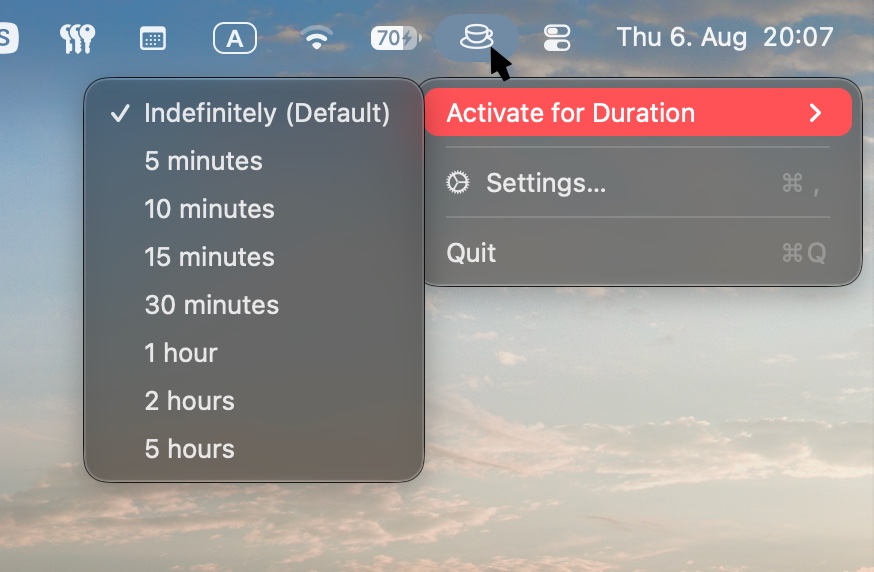
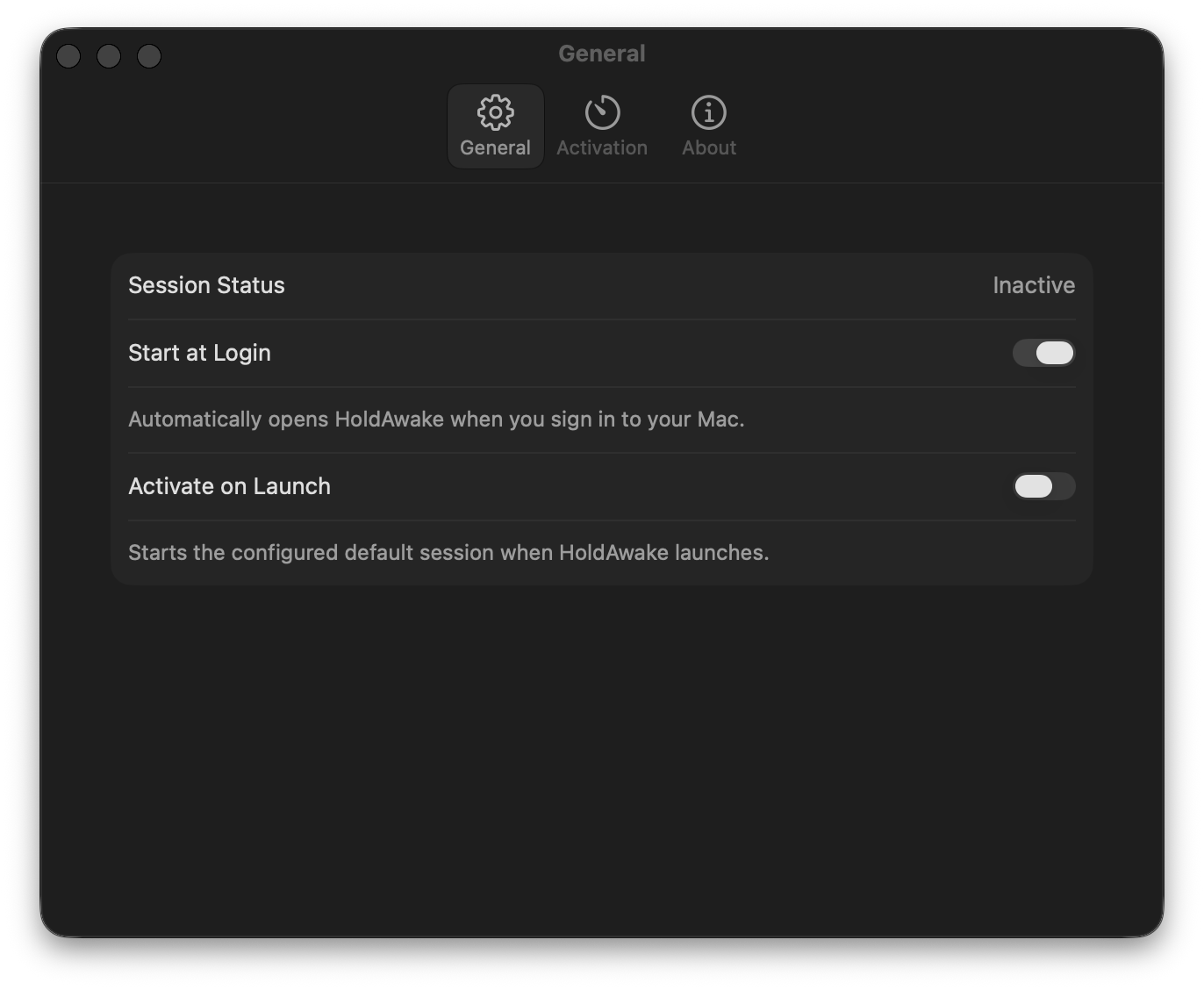
The menu capture shows the shared coffee-cup status control and complete duration menu. The Settings captures show the shared native experience without relying on the images to explain the controls.
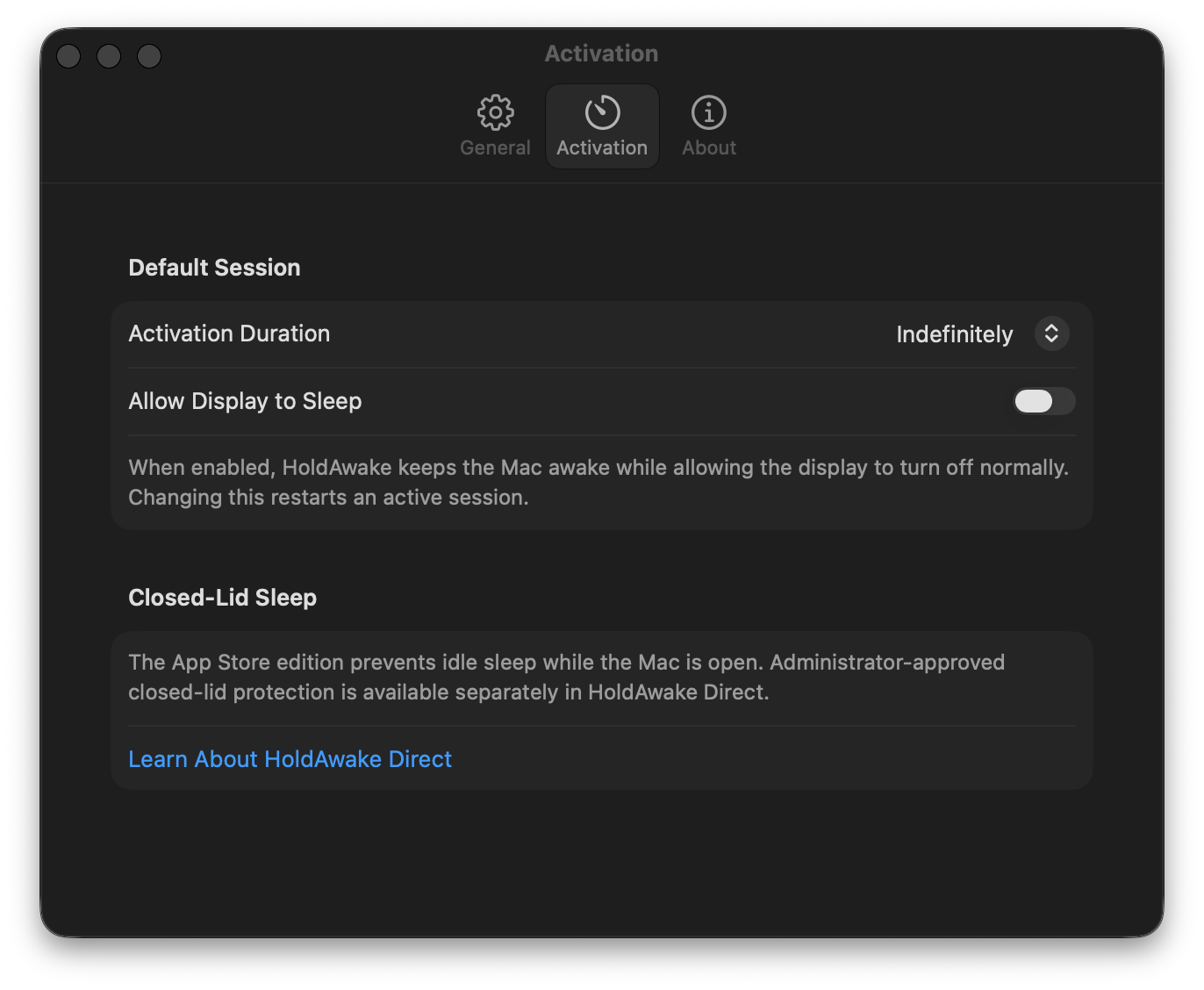
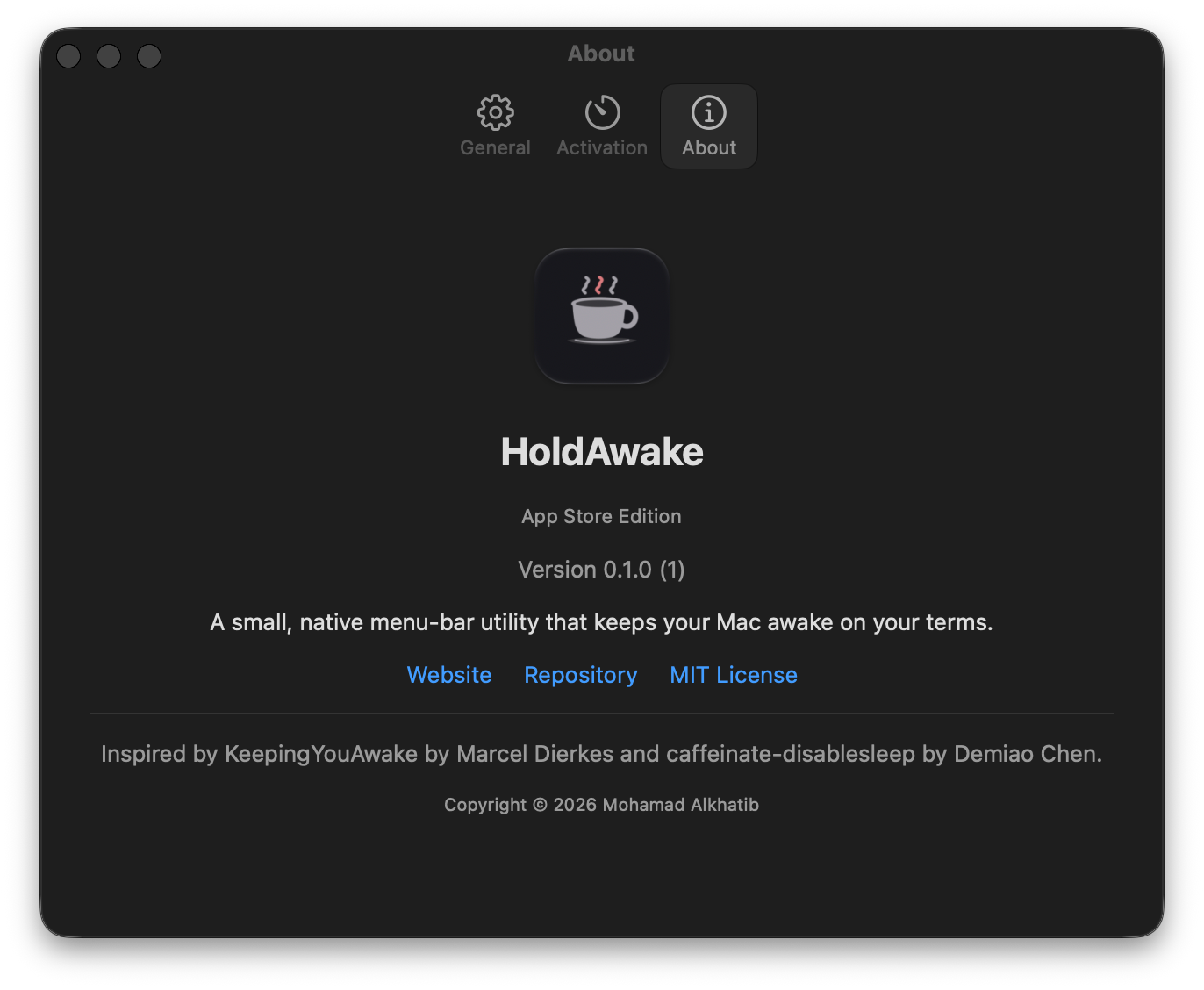
The Activation and About captures explicitly show the App Store edition. They do not show HoldAwake Direct's helper controls.
The codebase produces two independently installable editions with the same native menu-bar experience. Their power-management boundaries and release states stay deliberately separate.
A sandboxed build composed entirely around public macOS power-management APIs.
online.alkhatib.HoldAwakeThis edition contains no privileged helper and no Prevent Sleep support. It is not presented here as a released download.
The public Developer ID release, with optional closed-lid support behind explicit administrator approval.
online.alkhatib.HoldAwake.Direct/usr/bin/caffeinatePrevent Sleep applies only to the current session, is never persisted as an app preference, and must be enabled deliberately.
The coffee cup is both the status indicator and the shortest path to a session.
Left-click the coffee-cup status item to start the configured default session. Click it again to stop the session HoldAwake owns.
Right-click or Control-click to open the native menu, then start or replace the current session with any preset.
Allow Display to Sleep keeps the system awake while letting the display turn off normally. Changing it safely replaces an active session.
Start at Login and Activate on Launch are independent native settings. Both are off by default.
Native macOS menus and Settings provide keyboard-accessible controls and VoiceOver labels. Status and setup feedback are communicated with text rather than color alone.
HoldAwake has no accounts, advertising, analytics, telemetry, tracking, updater, or cloud service. Preferences stay on the Mac, and the app has no bundled third-party runtime.
Read the HoldAwake privacy policyHoldAwake is an independent implementation available under the MIT License.
HoldAwake was inspired by KeepingYouAwake by Marcel Dierkes and caffeinate-disablesleep by Demiao Chen. It copies no upstream source or artwork.
© 2026 Mohamad Alkhatib.
Direct v0.1.0 is the public release for Apple silicon Macs running macOS 26 or later. Read the source or download the signed, notarized DMG from GitHub.
SHA-256: cff34e93dd7aafe516b876ed5799fe9cf207b8c26c66eb99379d43f09f4e1f1c